
In today’s world, artificial intelligence (AI) is changing how we work. Accounting is no exception. AI tools for accounting transform hours of tedious financial work into just minutes.
AI tools for accounting are software programs that help manage financial tasks automatically. They can handle bookkeeping, generate invoices, and even analyze data. These tools save time and reduce human error, which makes them popular with businesses. According to a report by Fortune Business Insights, the AI accounting market is expected to grow at a rate of 30% annually, showing how quickly companies are adopting these tools.
For small businesses or freelancers, using AI is a game-changer. Instead of spending hours on manual work, AI tools can do the same tasks in minutes. Curious to know which AI tools are making waves in the accounting world? Dive into our full article to discover the best options and learn how they’re driving success for businesses everywhere.
Top 7 AI Tools for Accounting in 2025
AI tools for accounting are transforming the way businesses handle financial tasks. These tools save time, improve accuracy, and reduce stress by automating repetitive processes. Below, we will explore seven of the best AI accounting tools in 2025, each offering unique features to meet various needs.
1. Zapier: Automate Your Accounting Processes
Zapier is like the glue that connects all your apps. It helps automate workflows by linking your accounting software with other tools like email, CRM, or spreadsheets.
Features:
- Automates repetitive tasks like syncing invoices or exporting reports.
- Integrates with popular accounting tools like QuickBooks and Xero.
- Simplifies managing financial data across multiple platforms.
How to Use:
For example, you can create a workflow (called a “Zap”) where every invoice created in QuickBooks is automatically saved to a Google Drive folder. This reduces manual work and ensures no document is lost.
Why It’s Useful:
Zapier is ideal for small businesses or startups that rely on multiple apps. It helps you stay organized without hiring extra staff.
2. Vic.ai: Smarter Invoice and Payment Processing
Vic.ai is a powerful tool that automates invoice processing and payment workflows using AI. It learns over time, making it better and faster at completing tasks.
Features:
- Automates invoice approvals and payments.
- Detects errors and anomalies in transactions.
- Provides financial insights with real-time data.
How to Use:
Upload invoices into Vic.ai, and it will process them, match them with payments, and flag any suspicious activity.
Why It’s Useful:
Vic.ai is great for medium and large businesses dealing with high invoices volumes. It reduces errors, saves time, and increases accuracy.
3. Chat Thing: Build Custom Chatbots for Finance
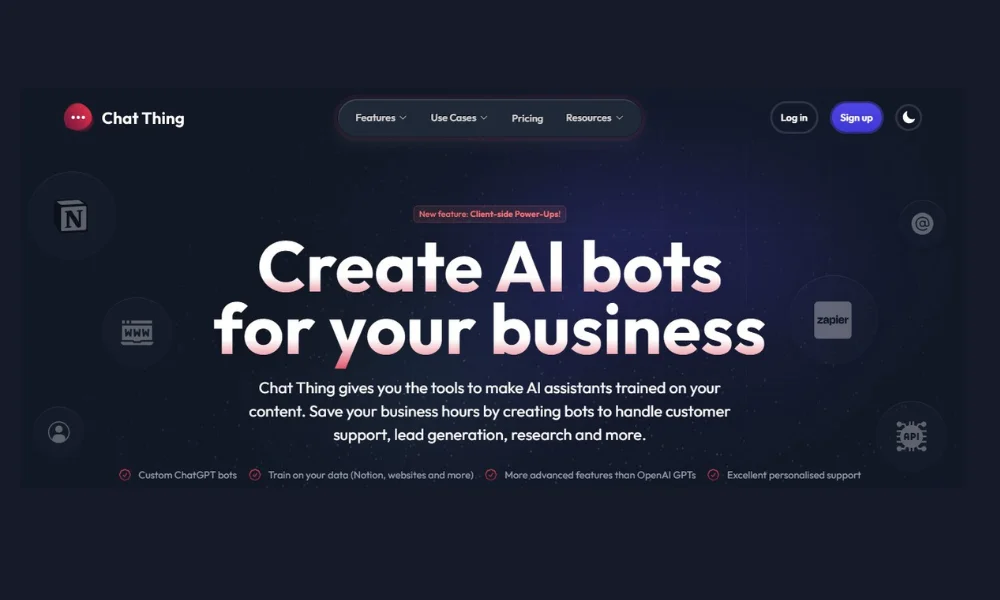
Chat Thing is not your typical chatbot builder- it’s powered by AI and specifically designed to streamline tasks like customer inquiries and document summarization.
Features:
- Allows you to create FAQ bots to answer client questions.
- Summarizes financial documents and generates quick insights.
- Integrates with tools like Slack or Microsoft Teams.
How to Use:
Imagine you’re an accountant with multiple clients asking similar questions about tax deadlines. With Chat Thing, you can set up a chatbot that answers FAQs, saving hours of back-and-forth emails.
Why It’s Useful:
This tool is perfect for accountants and small businesses that deal with frequent client questions. It enhances customer service while saving valuable time.
4. Docyt: End-to-End Financial Automation
Docyt is an all-in-one solution that simplifies bookkeeping, financial reporting, and transaction categorization. It’s like having an extra team member who works 24/7.
Features:
- Automates bookkeeping tasks.
- Generates detailed financial reports.
- Categorizes transactions accurately and efficiently.
How to Use:
You can connect your bank account, and Docyt will automatically track and categorize expenses, ensuring your books are always up to date.
Why It’s Useful:
Docyt is particularly beneficial for small businesses looking to minimize accounting costs while maintaining accurate records.
5. Rows AI: The Smart Spreadsheet for Accountants
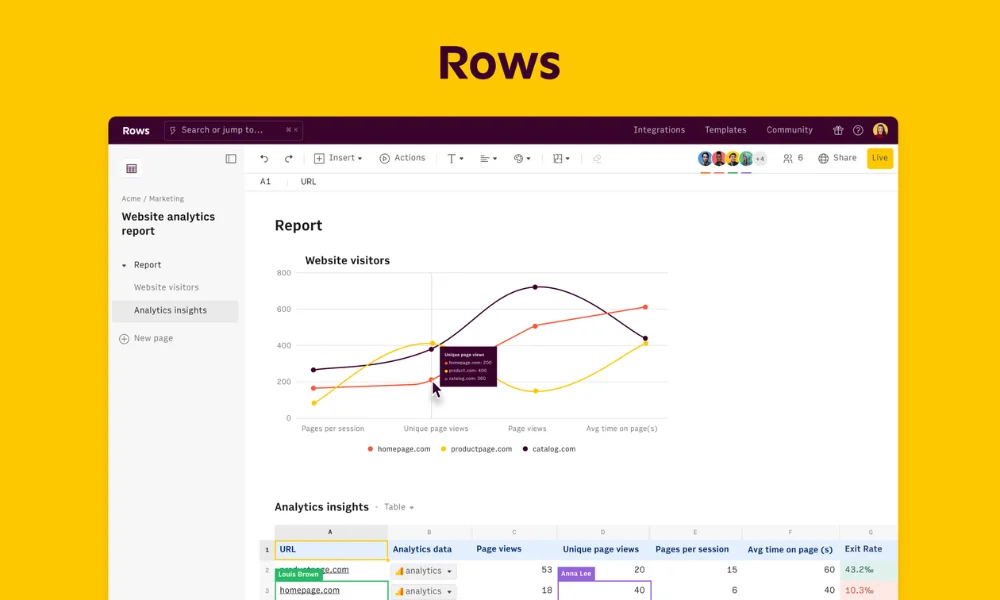
Rows AI combines the familiarity of spreadsheets with the power of AI. It helps analyze data, identify trends, and even clean up messy datasets.
Features:
- Visualize trends with easy-to-use templates.
- Automate data cleaning and analysis.
- Add public data for deeper insights.
How to Use:
If you’re working on a financial forecast, Rows AI can help you clean the data, identify key patterns, and present the results visually.
Why It’s Useful:
Rows AI is ideal for professionals who need advanced analytics but prefer the simplicity of spreadsheets.
6. Indy: The Freelancer’s Favorite Tool
Indy is designed for freelancers who need help managing contracts, proposals, and invoices—all with the help of AI.
Features:
- Generates contracts and proposals with AI assistance.
- Simplifies invoicing and tracks payments.
- Manages project timelines.
How to Use:
Freelancers can create and send a professional-looking invoice in minutes. AI can also help draft contracts based on the project requirements.
Why It’s Useful:
Indy is perfect for freelancers or self-employed professionals who want to save time and keep their finances organized.
7. Zeni: Real-Time Financial Tracking Made Easy
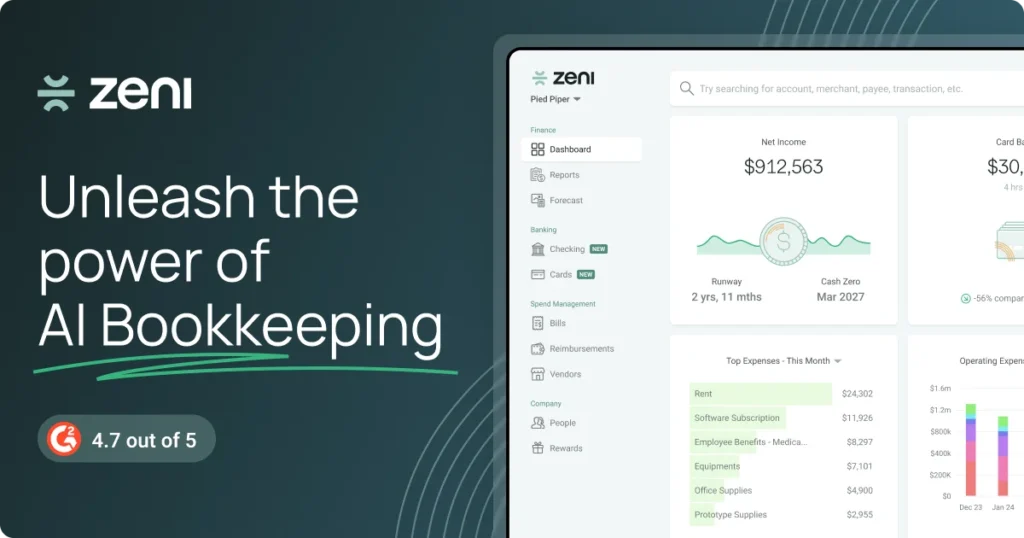
Zeni is an AI-driven financial platform that automates everything from bookkeeping to cash flow management, offering real-time insights.
Features:
- Tracks budgets and cash flow in real time.
- Automates financial management for small and medium businesses.
- Provides detailed dashboards for better decision making.
How to Use:
Link your bank accounts and accounting software to Zeni, and it will track income, expenses, and budgets automatically.
Why It’s Useful:
Zeni is excellent for businesses looking for a hands-off approach to managing their finances while staying informed with real-time updates.
Key Considerations When Choosing an AI Accounting Tool
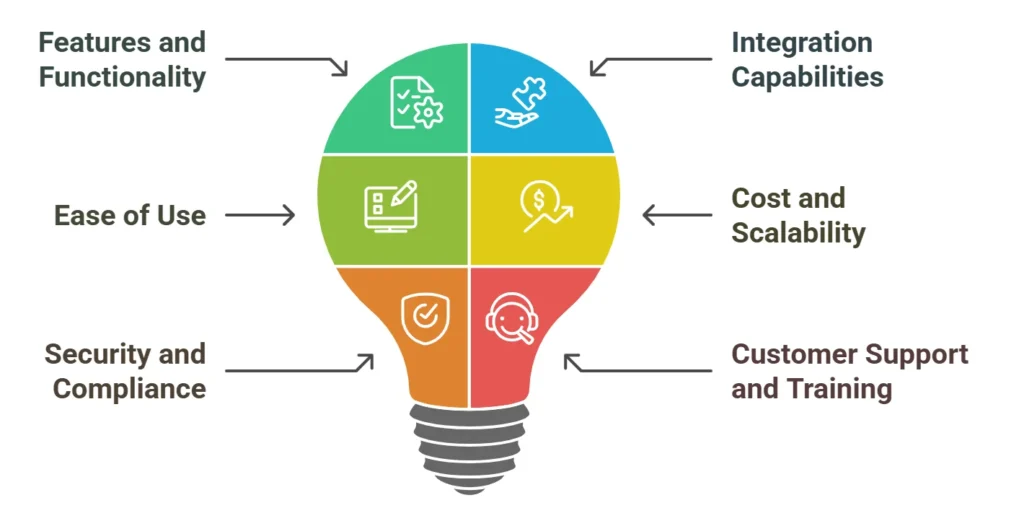
Selecting the right AI tool for accounting is crucial for maximizing efficiency and meeting your business needs. Since every tool offers unique features, it’s important to carefully evaluate your options. Here are some key factors to consider:
1. Features and Functionality
The features offered by AI accounting tools should align with your business requirements. For instance:
- If you deal with high volumes of invoices, tools like Vic.ai are ideal for invoice processing and anomaly detection.
- Freelancers might find Indy helpful for managing contracts and invoices.
Think about what tasks you want to automate: bookkeeping, financial reporting, or data analysis. Ensure the tool offers those specific functionalities.
2. Integration Capabilities
The best AI accounting tools work seamlessly with your existing software. For example, Zapier connects various platforms like QuickBooks, Google Sheets, and CRMs. Choose a tool that integrates easily with your accounting, payroll, and tax software.
3. Ease of Use
No matter how advanced the tool is, it should be easy to use. Tools like Docyt and Rows AI have simple interfaces that are accessible even for users without technical expertise. A user-friendly tool minimizes the learning curve and increases productivity.
4. Cost and Scalability
Consider your budget and the size of your business. Many AI tools, such as Zeni, offer scalable solutions for small businesses or startups with growing needs. Compare pricing models to ensure the tool fits your financial plan.
5. Security and Compliance
Financial data is sensitive. Check if the tool follows industry standards for data security and compliance, such as GDPR or SOC 2. Tools like Vic.ai and Zeni prioritize data protection, ensuring your financial information stays secure.
6. Customer Support and Training
Reliable customer support is essential when using advanced technology. Look for tools that offer tutorials, documentation, or direct support channels to resolve issues quickly.
Frequently Asked Questions
What are AI tools for accounting?
AI tools for accounting are software solutions that use artificial intelligence to automate tasks like bookkeeping, invoicing, and financial reporting, making financial management faster and more accurate.
How do AI tools improve accounting accuracy?
AI tools can analyze large datasets, detect anomalies, and automate repetitive tasks, reducing human error and improving accuracy in financial records.
Are AI accounting tools suitable for small business?
Yes, many AI-powered accounting tools, such as Docyt and Zeni, are specifically designed to cater to small businesses, offering affordable and scalable solutions.
Can freelancers use AI accounting tools?
Absolutely! Tools like Indy are perfect for freelancers, providing features like proposal creation, invoice management, and expense tracking.
How do I choose the best AI tool for my accounting needs?
Consider your business size, budget, required features (e.g., automation, integration), and user-friendliness when selecting an AI accounting tool.
Final Thoughts
AI tools for accounting are no longer a luxury-they’re a necessity. These tools simplify tasks, save time, and reduce human error, helping businesses focus on growth and decision-making.
Whether you’re a freelancer, small business owner, or part of a larger organization, there’s an AI solution tailored to your needs. For example, freelancers may find tools like Indy helpful for managing invoices and contracts, while medium to large businesses can benefit from Vic.ai for advanced invoice processing and anomaly detection. Tools like Zapier and Docyt are versatile enough to fit into various workflows, making them invaluable for automating repetitive tasks.
The adoption of AI tools also empowers accountants. In the ever-changing landscape of accounting, embracing AI is a step toward working smarter-not harder.

Leave a Reply